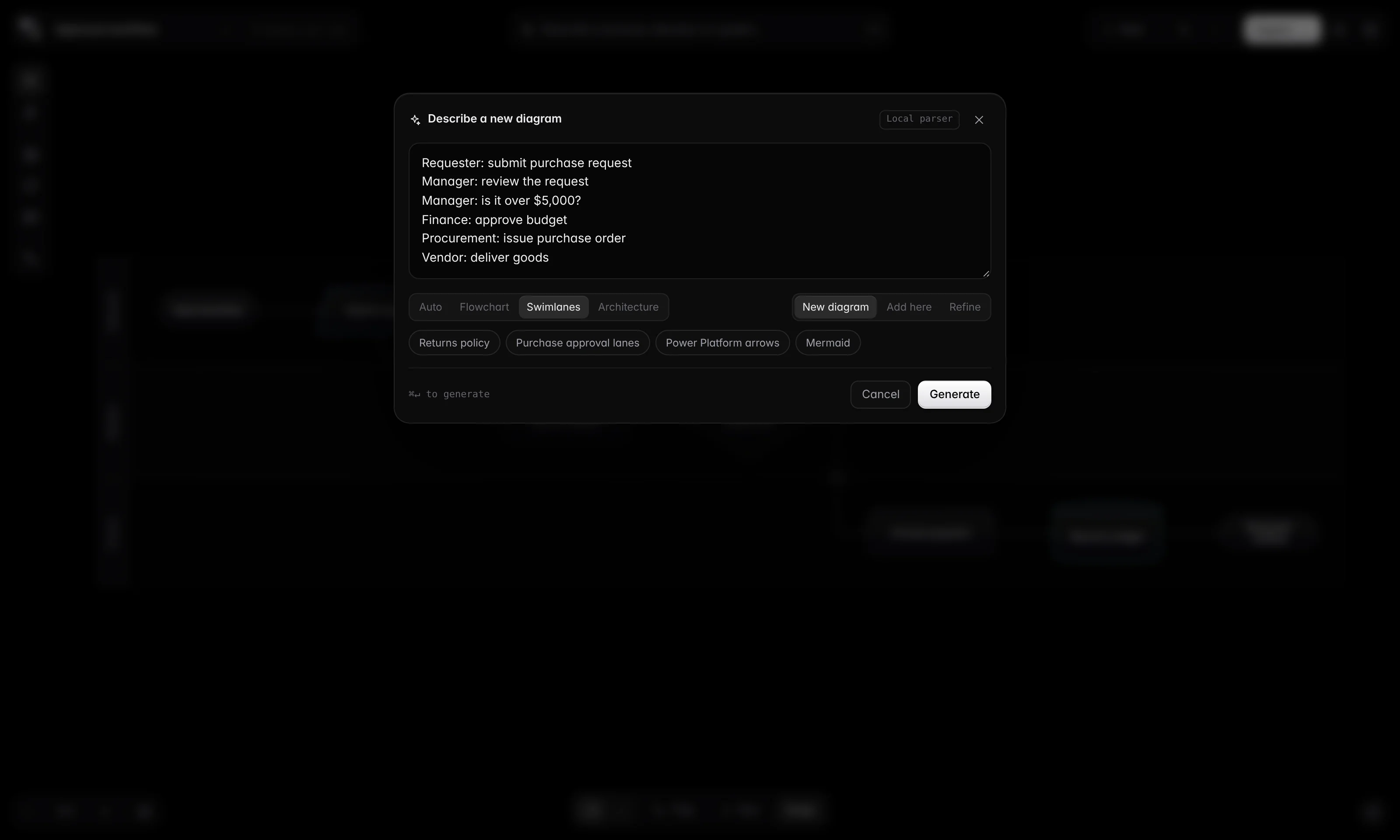
Describe it
Plain sentences, “Role: step” lines for swimlanes, A -> B arrows or Mermaid. Decisions, loops and rework paths come out right.
 Diagram Studio
Get it
A Visio-style workspace in your browser. Type what you’re trying to do and get an editable flowchart, swimlane or architecture diagram, with the official Microsoft icons.
Whatever you have in your head, there’s a fast way onto the canvas.
Plain sentences, “Role: step” lines for swimlanes, A -> B arrows or Mermaid. Decisions, loops and rework paths come out right.
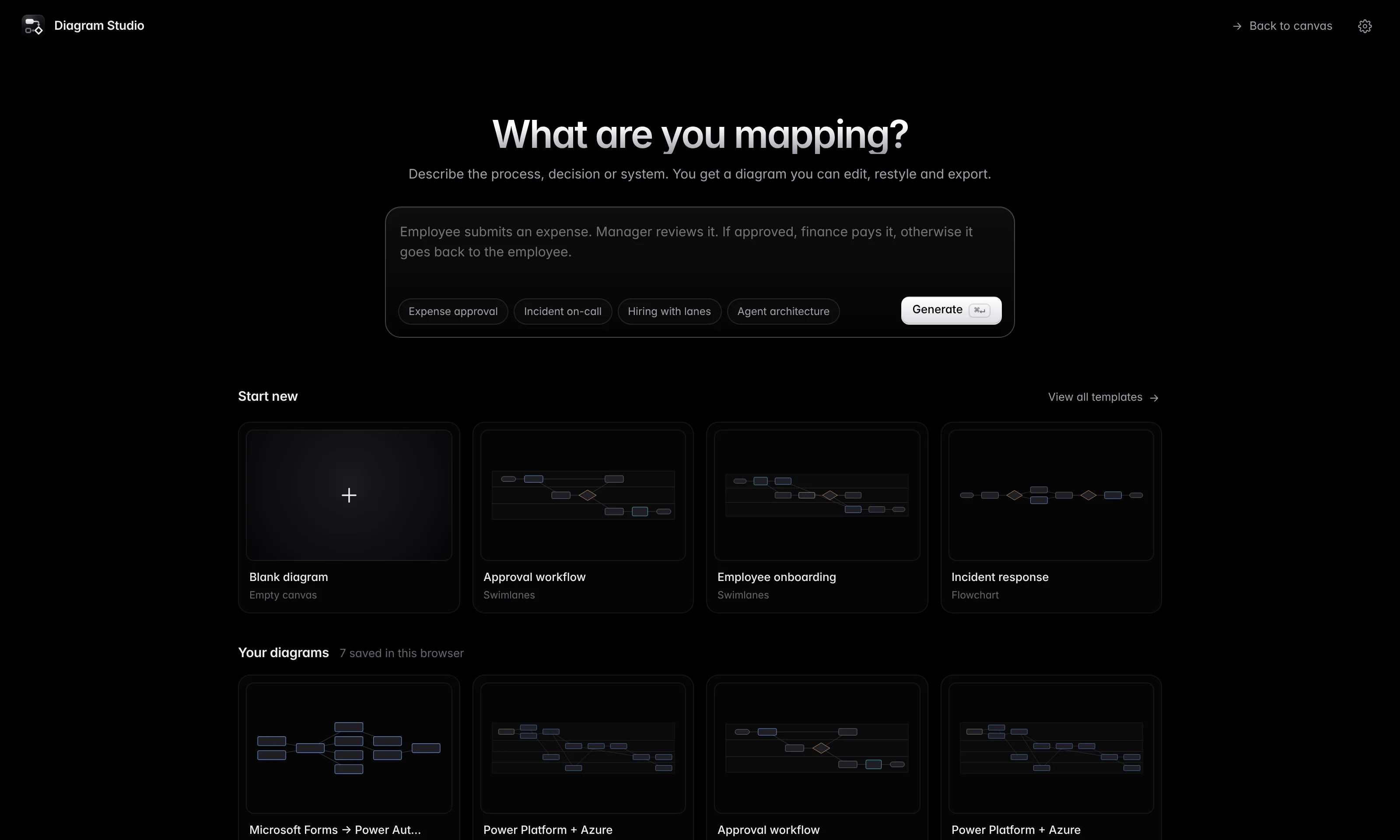
Approvals, onboarding, incident response, CI/CD, Power Platform + Azure, Fabric analytics, Dynamics 365 service and more.
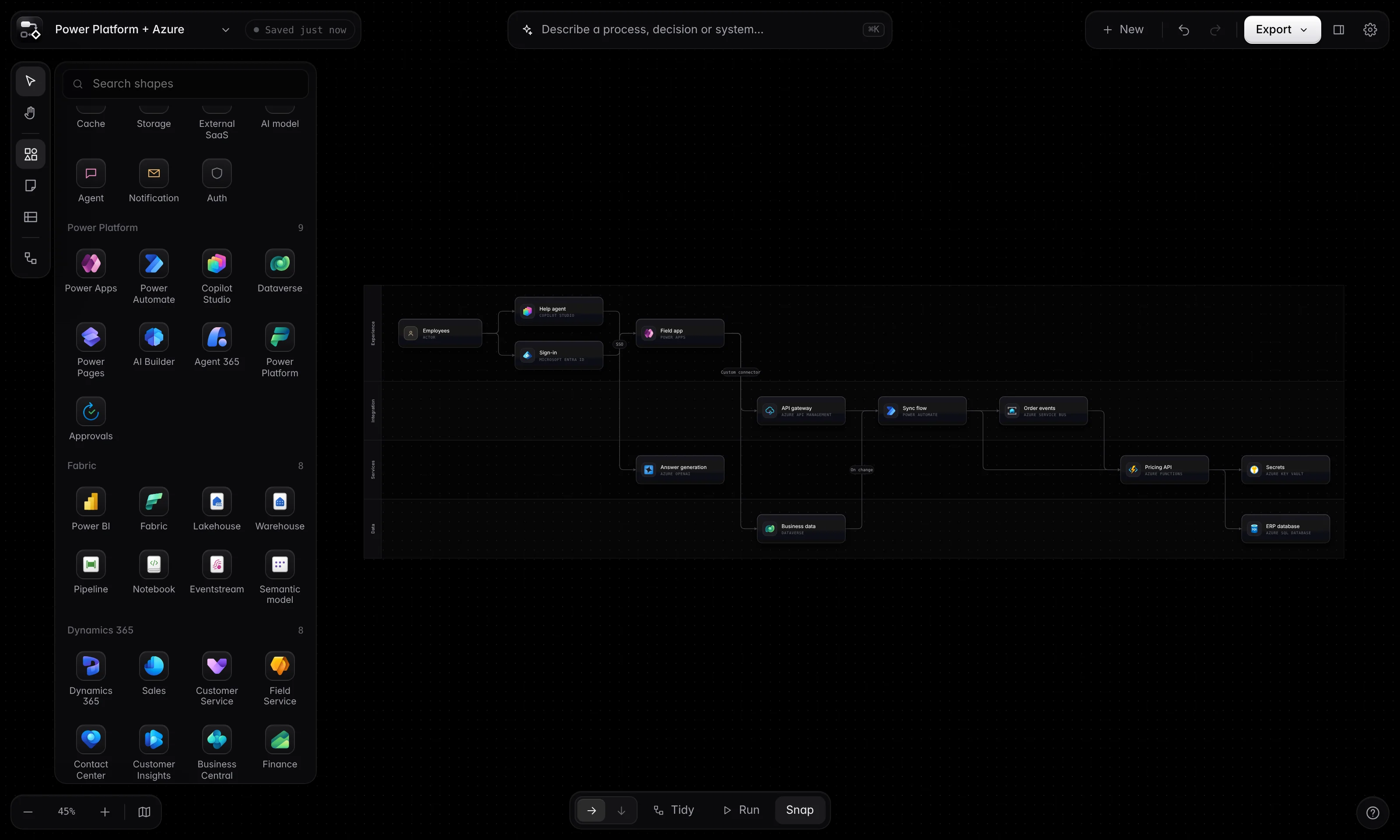
Flowchart shapes, architecture cards and 50+ official Microsoft product icons. Press Tab to add the next connected step.
Name a product and it lands with its official icon. Diagram a Power Automate flow, a Fabric pipeline or a Dynamics 365 service process without hunting for stencils.
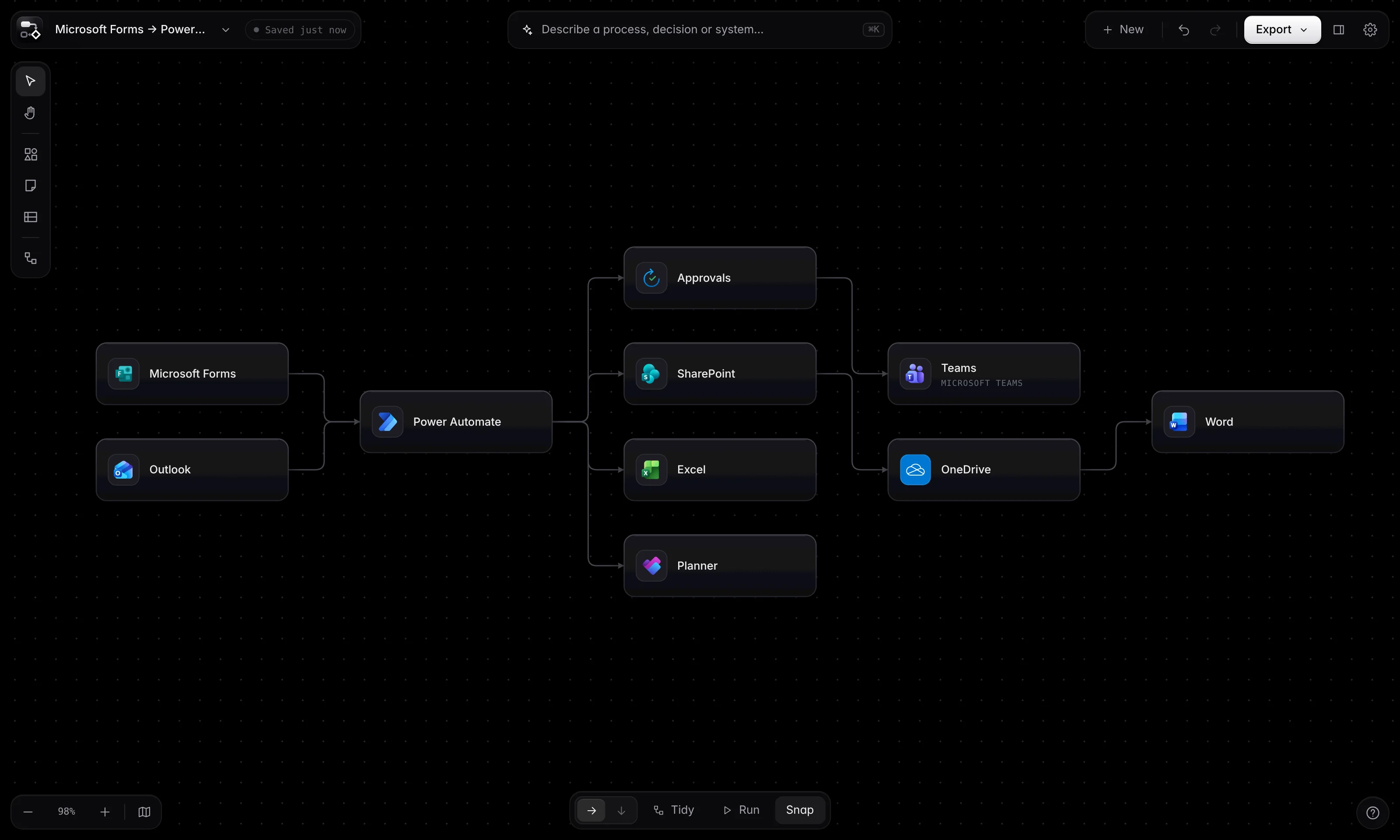
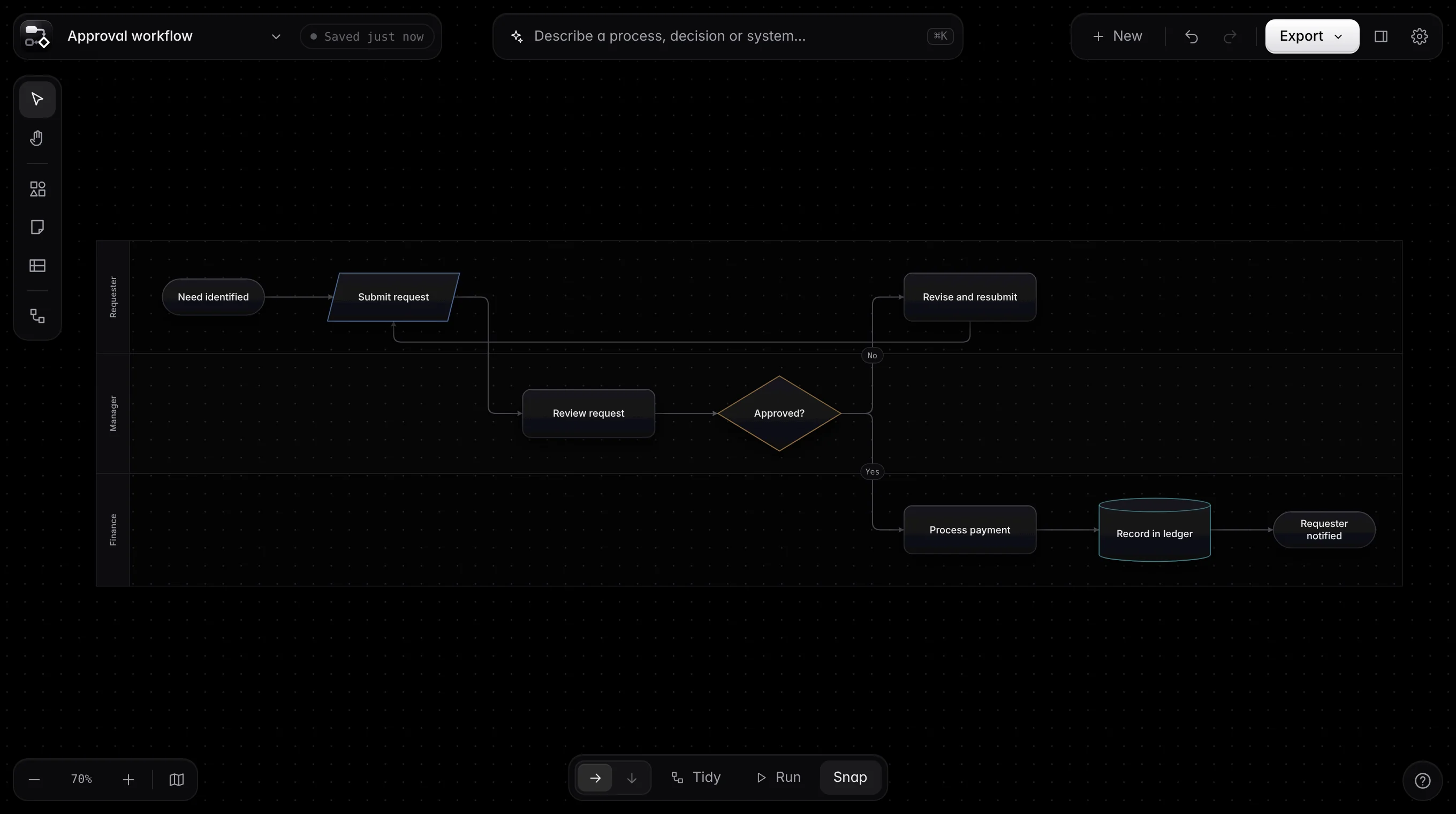
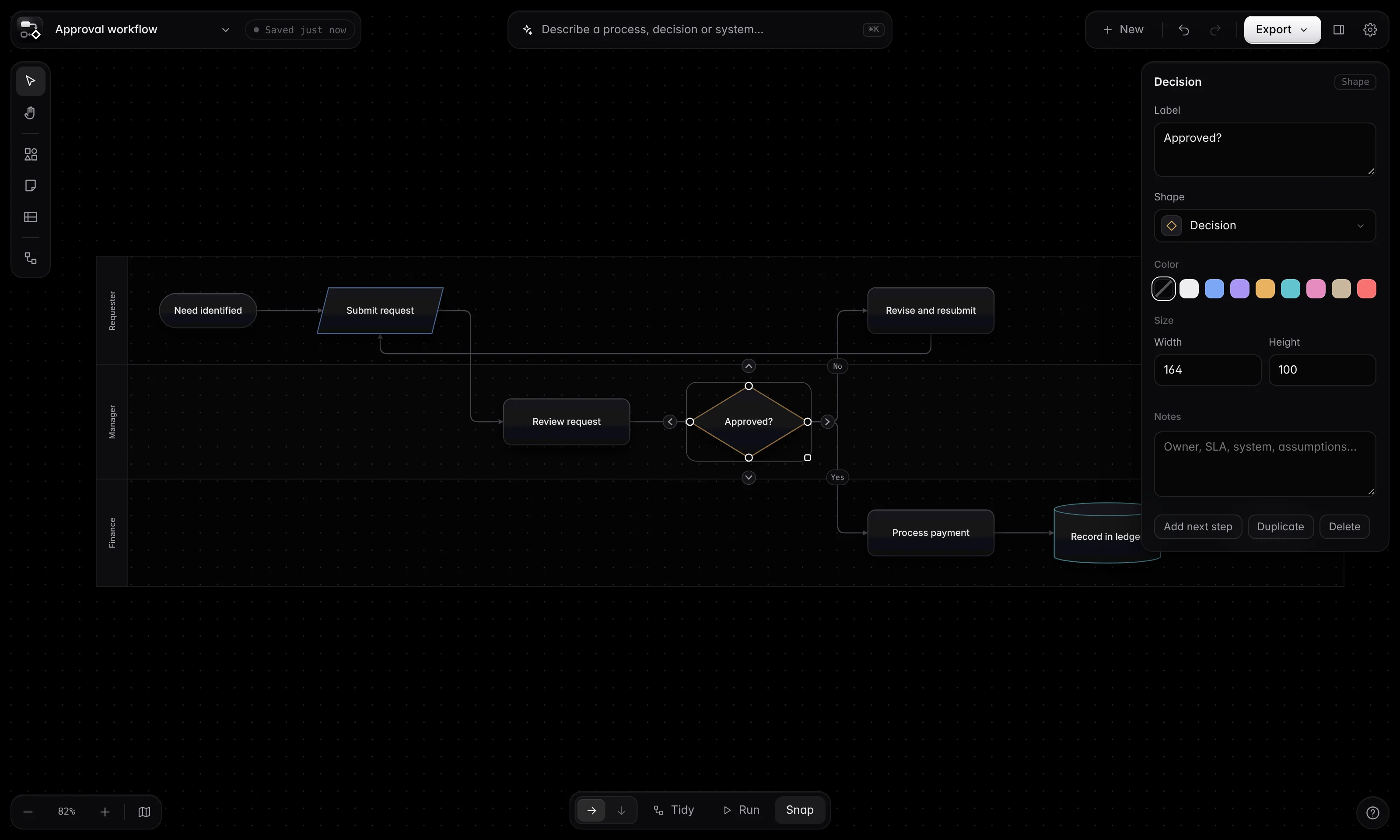
Cross-functional lanes by role or system, and one-key layout that straightens connectors, left to right or top to bottom.
Drag from a port to connect, drop on empty canvas to add a step, align, group, multi-select and undo everything.
Right-click selected text, or a whole page, and choose “Diagram this” to turn a process write-up into a flow.
Add your own Anthropic key for open-ended requests and “Refine”: change a diagram by describing the change.
PNG at 2×, SVG, Mermaid for docs and repos, or a JSON backup you can reopen later.
No account. Diagrams save automatically in your browser and never touch our servers.
Everything is stored locally in your browser. There’s no sign-in, no tracking and no analytics. If you add an Anthropic key, your prompt goes straight from your browser to Anthropic, and only when you ask Claude to generate.
Diagram Studio is in final testing. Store listings go live here first.